Blog
Wi-Fi Connected but No Internet in Windows: Find the Cause
A Wi-Fi connection only confirms that the PC reached the local network. Compare other devices before changing Windows, router or DNS settings.
Reviewed 2026-09-06
Internet connections, routers, coverage, speed and reliability.
A Wi-Fi connection only confirms that the PC reached the local network. Compare other devices before changing Windows, router or DNS settings.
Reviewed 2026-09-06A simple baseline shows whether a change improved coverage and helps distinguish signal problems from service or device problems.
Reviewed 2026-08-23If your game lags with fast internet , the problem may have very little to do with your advertised download speed. A connection capable…
Historical guide — verify current detailsUse this order to separate a device problem from a router, signal, provider, or software problem without changing everything at once.
Reviewed 2026-08-23A good average ping can hide unstable delivery. Use consistent tests to determine whether sudden gaming lag begins on the device, Wi-Fi, home router,…
Reviewed 2026-09-30Lower gaming latency by separating Wi-Fi, device load, internet routing and game-server distance before buying a booster or changing advanced network settings.
Reviewed 2026-09-30Buffering can come from the service, internet connection, Wi-Fi, TV app or a busy home network. Test the scope before changing picture settings.
Reviewed 2026-08-24Reliability usually matters more than headline download speed. Improve signal, congestion and local traffic before replacing hardware.
Reviewed 2026-08-24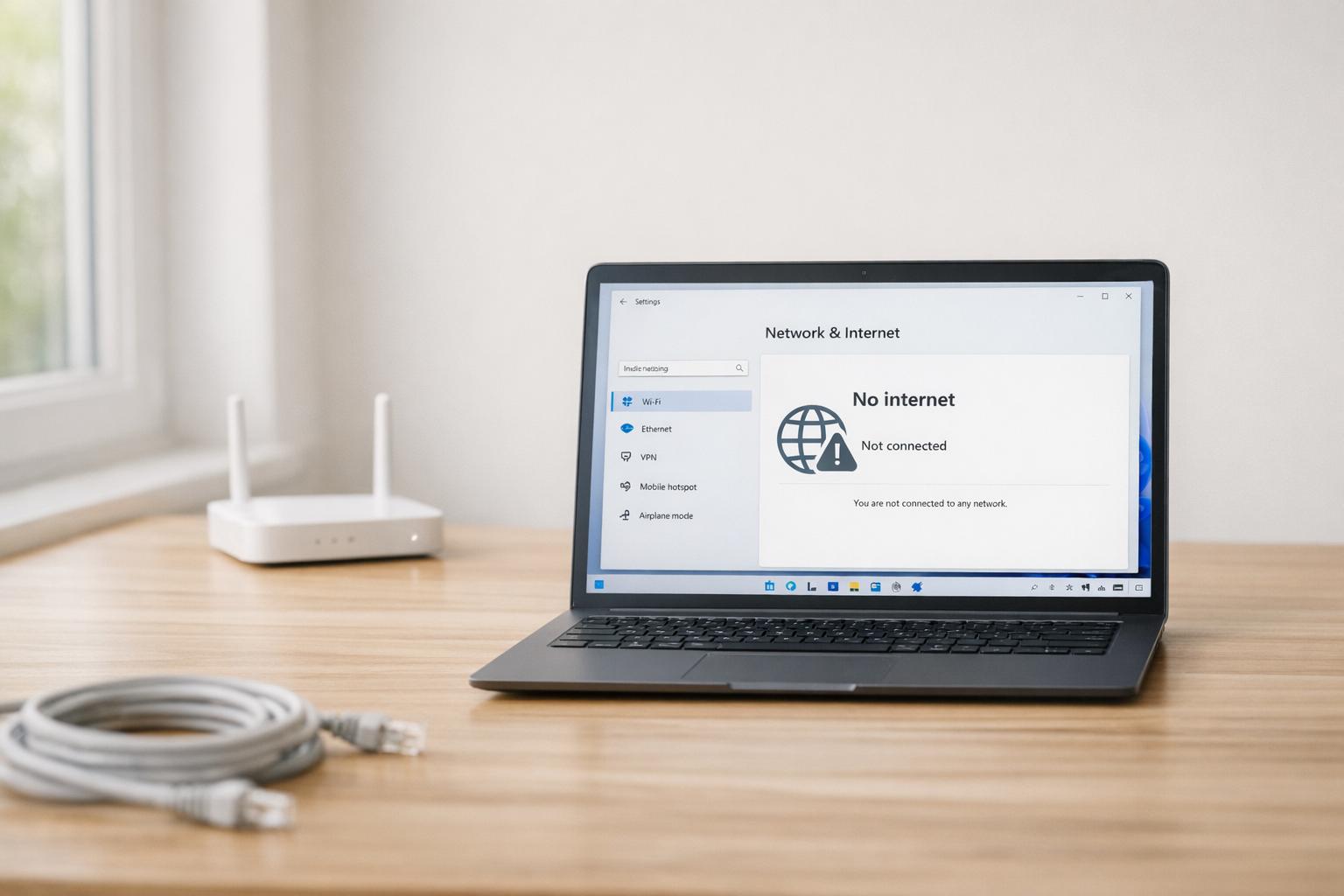
When your internet connection suddenly fails, it can disrupt your workflow, entertainment, or studies. For those tackling technical issues or aspiring to work in…
Reviewed 2026-08-23
Struggling with laptop WiFi issues can be frustrating, but often, there's a straightforward fix. Here's a quick guide to help you get back online:…
Reviewed 2026-08-24A routing service may help a poor internet path, but it cannot repair weak Wi-Fi, low frame rate, overloaded hardware or a distant game…
Reviewed 2026-08-24The best VPNs for Windows 11 should do more than simply change your IP address. A good Windows VPN should encrypt your internet connection…
Historical guide — verify current detailsAllow Google Analytics to measure visits and clicks to providers? You can use this site without statistics. This choice is separate from Google advertising choices and can be changed in the footer.