
The right decision depends on safety, data, total cost, reliability, support lifetime, and whether the device still meets the user’s needs.
Step-by-step checks
1. Protect the data first
Back up accessible data before diagnosis or repair. Ask a repair provider how data and credentials will be handled.
2. Check safety and warranty
Stop using swollen batteries, burning smells, liquid-damaged mains equipment, exposed wiring, or overheating chargers. Check warranty and recall information.
3. Estimate the complete cost
Include diagnosis, parts, labour, shipping, downtime, software setup, data transfer, and the risk of another near-term failure.
4. Consider support lifetime
A working device may still be unsuitable if it no longer receives security updates or cannot run required applications safely.
5. Choose the right expert
Match the problem to remote support, onsite help, a repair shop, data recovery, accessibility support, or the manufacturer. Ask for scope and price before work begins.
When to stop
Do not open mains-powered equipment, puncture batteries, or keep retrying a failing drive merely to avoid a professional assessment.
What to tell an expert
Share the device model, operating system, exact symptom or error, when it began, what changed beforehand, and which checks you completed. Do not send passwords, one-time codes, encryption recovery keys, or unnecessary personal files.
Official reference
This Supportia guide was prepared with current official guidance as a factual baseline. Interface names can still vary by device and version. Open the official reference.
Did this solve your problem?
Your answer helps Supportia prioritize updates. No account or email is required.
Related guides
How to Turn a Picture Into a 3D Model With AI: A Practical Beginner’s Guide
Learning how to turn a picture into a 3D model with AI is becoming easier for people who want to transform photographs, sketches, and…
Historical guide — verify current details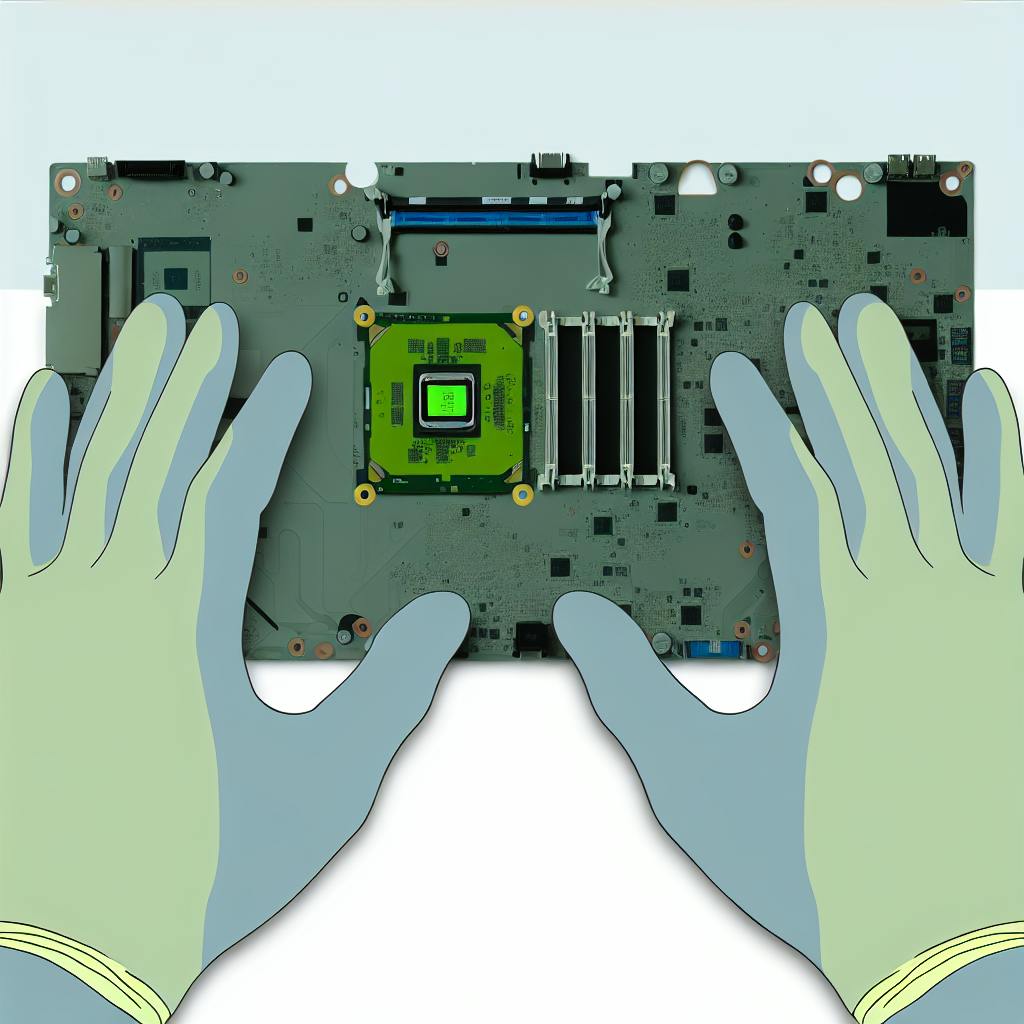
ESD Safety Guide: Laptop Repair & Maintenance
Electrostatic Discharge (ESD) is a serious threat to sensitive electronic parts in laptops. Even a small static discharge can permanently damage components like processors,…
Reviewed 2026-08-24How to Protect Your Windows PC From Ransomware: 8 Practical Steps
Knowing how to protect your Windows PC from ransomware matters because ransomware doesn't just make a computer annoying to use. A successful attack can…
Historical guide — verify current details