How to Protect and Recover Files When a Laptop Screen Is Black
Data protection comes before resets, reinstalls or opening the laptop. The safest recovery method depends on whether Windows runs and whether storage encryption is…
Charging, heat, displays, keyboards, batteries and performance.
Data protection comes before resets, reinstalls or opening the laptop. The safest recovery method depends on whether Windows runs and whether storage encryption is…
A laptop that fails to wake can involve display output, power state, a dock, driver or firmware. Test wake behaviour without changing several power…
Battery runtime depends on workload, display, radios, background apps, temperature, age and capacity. Compare a repeatable light-use test first.
Use an external keyboard for access if available, then separate one damaged key from a Windows, accessibility or full-keyboard fault.
An external picture proves that the computer and graphics system can produce an image, but the cause may still be display mode, brightness, lid…

If your laptop's touchpad isn't working as it should, don't worry! Here's a quick guide to get it back on track: Check if it's…

If your laptop charger isn't working, don't panic! This guide will walk you through how to diagnose and fix common issues with your laptop…
Do not assume the update destroyed the laptop. Confirm whether Windows is still completing work, then use reversible recovery options before reset or reinstall.
If the laptop appears to start but the display stays black, first separate a screen problem from a power, Windows, dock, or hardware problem.
First verify the outlet, charger, port and battery status. Avoid opening a charger or using an unverified replacement.
A movable pointer on a black screen usually means the display works and Windows has reached part of the sign-in or desktop process.

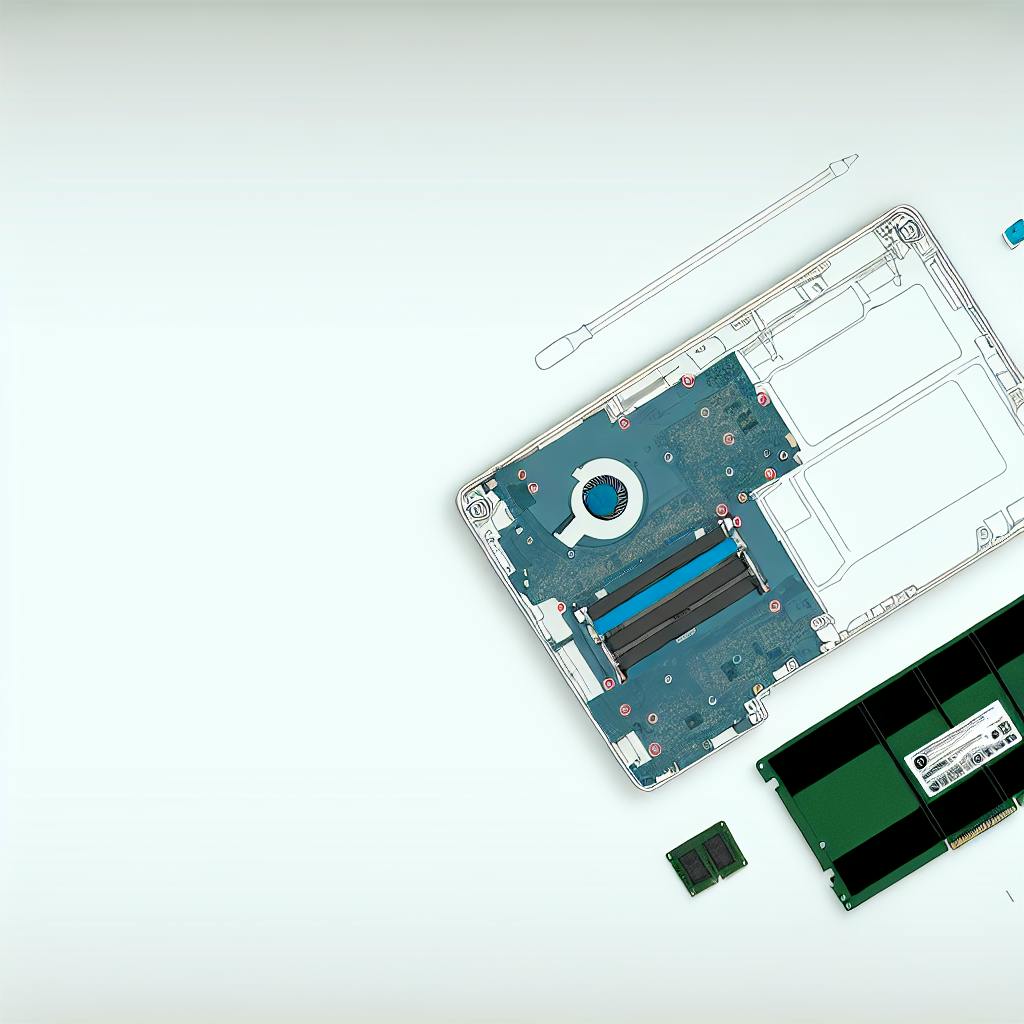
Taking apart a laptop can seem daunting, but this guide will walk you through the process step-by-step. Follow these instructions carefully to avoid damaging…